Your CMMS is only as good as the data it contains. Even the most advanced maintenance planning system will fall short if the information feeding it is inaccurate, inconsistent, or incomplete.
For maintenance planners, poor data quality isn’t just frustrating — it’s dangerous. It leads to missed PMs, misallocated labor, unreliable KPIs, and confusion on the shop floor. And when trust in the CMMS disappears, so does buy-in from the people using it.
Improving CMMS data quality isn’t a one-time task — it’s a continuous discipline. But with the right focus, you can transform your system from a digital dumping ground into a reliable foundation for smarter, more structured maintenance planning.
Here are 10 practical ways to improve CMMS data quality and make your system a tool you can actually rely on.
1. Establish Clear Data Standards
Define how each data field should be populated — from naming conventions to measurement units and work order descriptions. Consistency across the board reduces duplication, improves searchability, and ensures that everyone’s speaking the same language.
Develop a simple data entry guide for planners and technicians to follow. Make it part of onboarding new team members. Work to make it visible and part of the culture.
2. Validate Your Asset Register
If your asset hierarchy is messy, incomplete, or filled with “ghost equipment,” your planning will suffer. Confirm that all active assets are accounted for, correctly named, and structured logically — typically using a functional hierarchy or location-based structure. Your asset register is the foundation on which everything else in your CMMS is built on – this needs to be right.
This also helps tie work orders to the right equipment, which is essential for accurate history and reporting.
3. Clean Up Inactive or Obsolete Records
Outdated job plans, unused spare parts, and retired equipment can clog your system. Archive or delete obsolete records (with care) to reduce noise and improve planning visibility. A lean CMMS is easier to use — and trust.
Implement a monthly routine of reviewing inactive records and cleansing the system
4. Standardize Work Order Templates and Job Plans
Using structured, repeatable templates ensures that work orders contain the right information every time: scope, tools, safety steps, estimated time, and required parts. This improves both execution quality and data integrity during close-out.
5. Train Technicians on Input Expectations
Data quality isn’t just the planner’s job. When techs understand why close-out comments, failure codes, and time entries matter, they’re more likely to take it seriously.
Provide quick reference guides or short toolbox talks to reinforce expectations.
The Maintenance Planner’s Playbook includes a full section on “Data Discipline” with communication strategies for the shop floor.
6. Use Pick Lists and Dropdowns Wherever Possible
Free text invites inconsistency. Use predefined fields for failure codes, cause codes, location IDs, and work types to reduce typos and ensure standardized reporting. This is often referred to as ‘Data Validation’ and largely removes the room for user error on data entry.
This also allows for better filtering, reporting, and dashboarding later.
7. Implement a Routine Data Audit
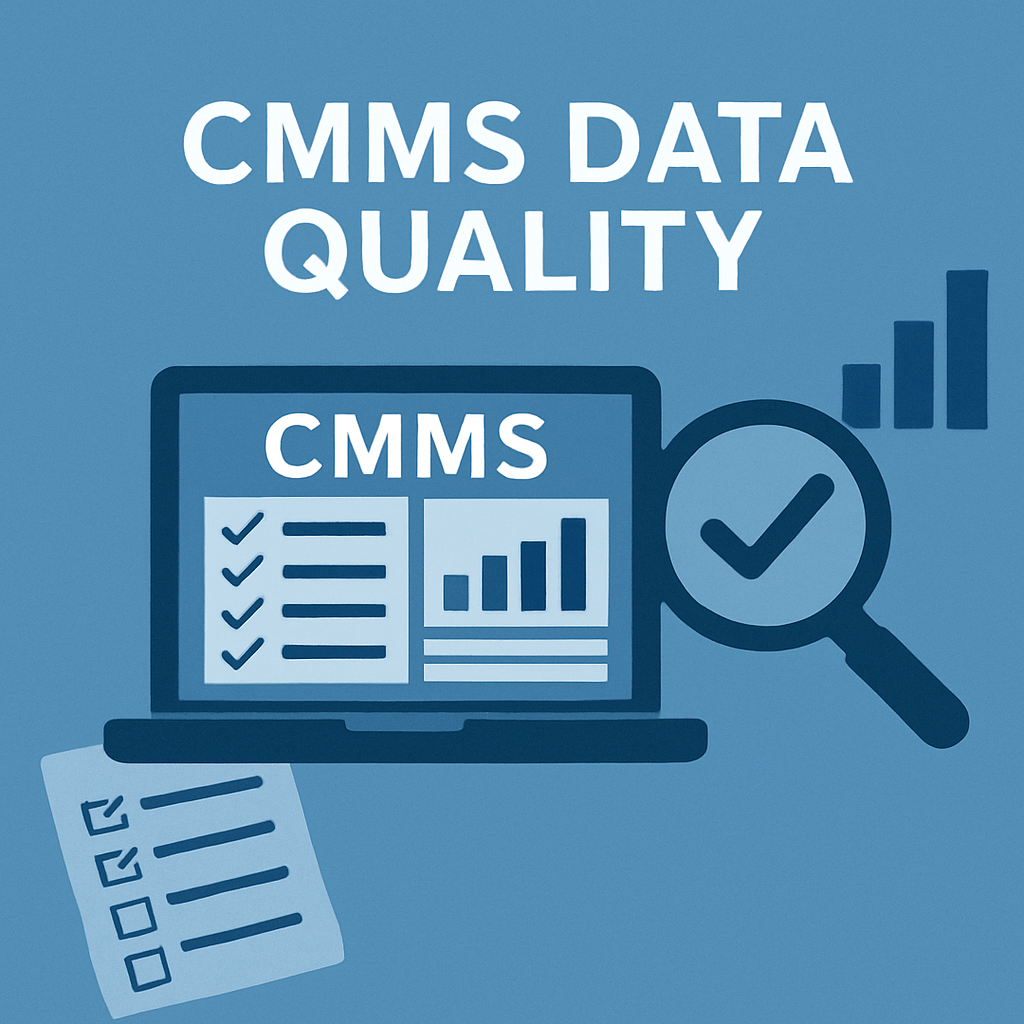
Schedule regular data quality checks — monthly or quarterly — where you review a sample of work orders, asset records, or job plans. Look for missing fields, inconsistencies, or errors. Feedback to your end users and work closely with them to improve.
Create a quick CMMS data audit checklist (you’ll find one in our free toolkit) to standardize the process.
8. Set Ownership and Roles
Define who is responsible for what: who updates the asset register, who reviews completed work orders, who manages parts master data. Without ownership, data integrity falls apart. Ensure CMMS access right align with peoples responsibilities.
CMMS Roles & Permissions is a whole chapter in CMMS Mastery (coming soon) for this reason. This is such a vital and valuable topic to understand.
9. Tie Data Quality to KPIs
Utilise metrics like “Work Order Closeout Quality” or “Data Completeness Score” to keep data hygiene visible. If it’s measured and reviewed, it’s far more likely to be improved.
These KPIs can even feed into technician performance tracking or planner dashboards.
10. Make the CMMS a Daily Habit
The most reliable systems are the ones that are used consistently. Encourage regular CMMS use across the team — not just when required. When people are in the habit of using the system properly, data quality becomes self-sustaining.
Start by reinforcing CMMS use during weekly planning and scheduling meetings — and lead by example in how you document, review, and follow up on work orders.
Final Thoughts
Improving CMMS data quality is one of the most valuable — and often overlooked — responsibilities of the maintenance planner. It’s the foundation for everything: accurate scheduling, meaningful KPIs, effective job planning, and ultimately, better reliability outcomes.
Poor data creates friction at every stage of the maintenance process. It slows down technicians, causes scheduling errors, skews reports, and erodes trust in the system. But high-quality data empowers planners to make better decisions, optimise resources, and drive continuous improvement.
This isn’t just an IT issue or a “systems admin” task. It’s a planner-led discipline — something that gets better every time a job plan is cleaned up, a work order is closed out properly, or a technician understands the “why” behind what’s being recorded.
It takes effort, yes — but that effort compounds. Over time, a clean, structured CMMS becomes a competitive advantage, allowing your organisation to move from reactive chaos to proactive control.
Start small. Pick one or two actions from this list and begin improving the data within your sphere of control. Over time, the benefits will ripple outward across your entire maintenance process.
If you’re ready to take control of your planning data, start with these 10 actions — and if you want more support, grab your copy of The Maintenance Planner’s Playbook, which includes practical tools, templates, and tactics for data-driven planning success.