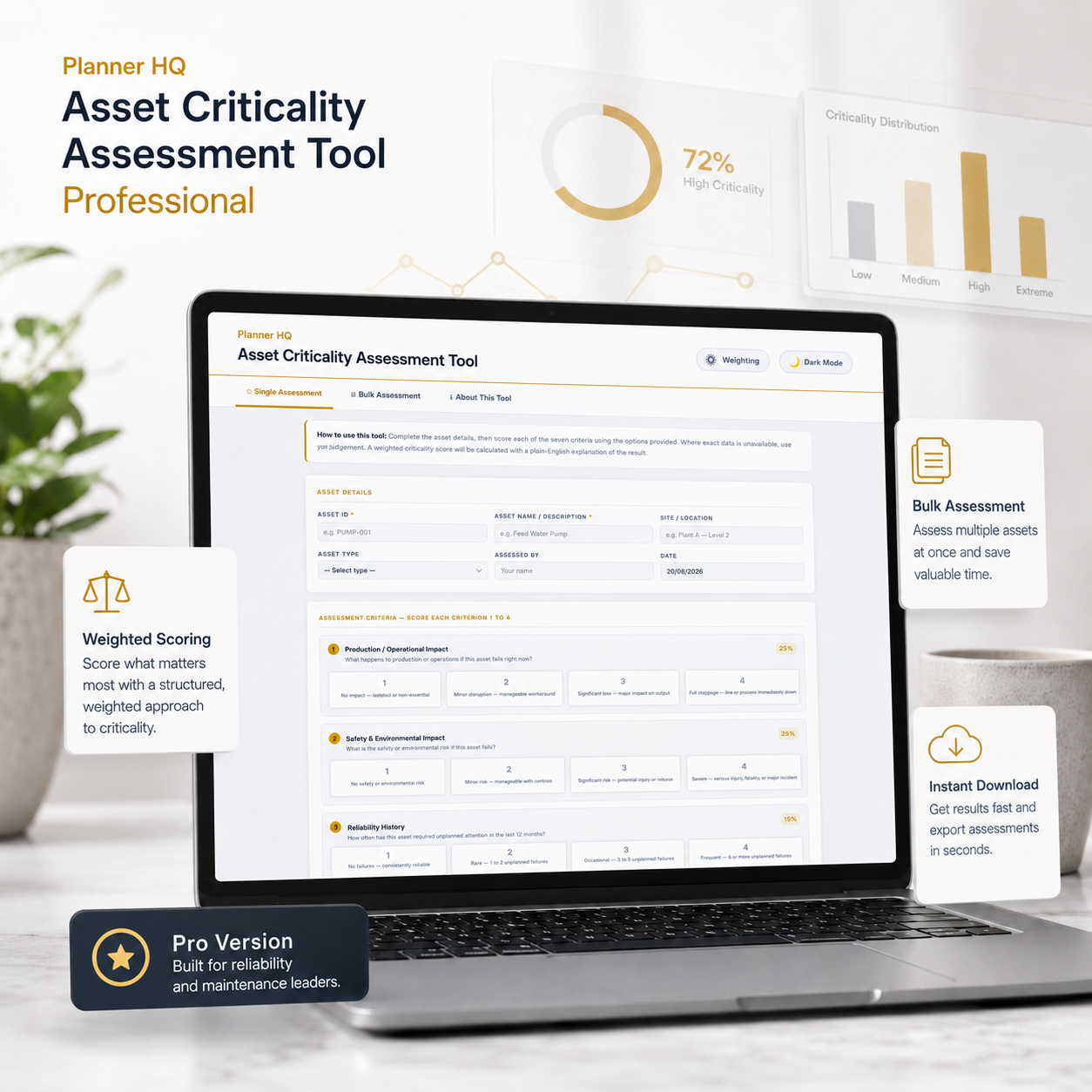
A defensible criticality rating for every asset — not gut feel
Score assets one at a time or by the hundred, with weightings tuned to how your site actually operates — then export a ranked result ready to load straight into your CMMS.
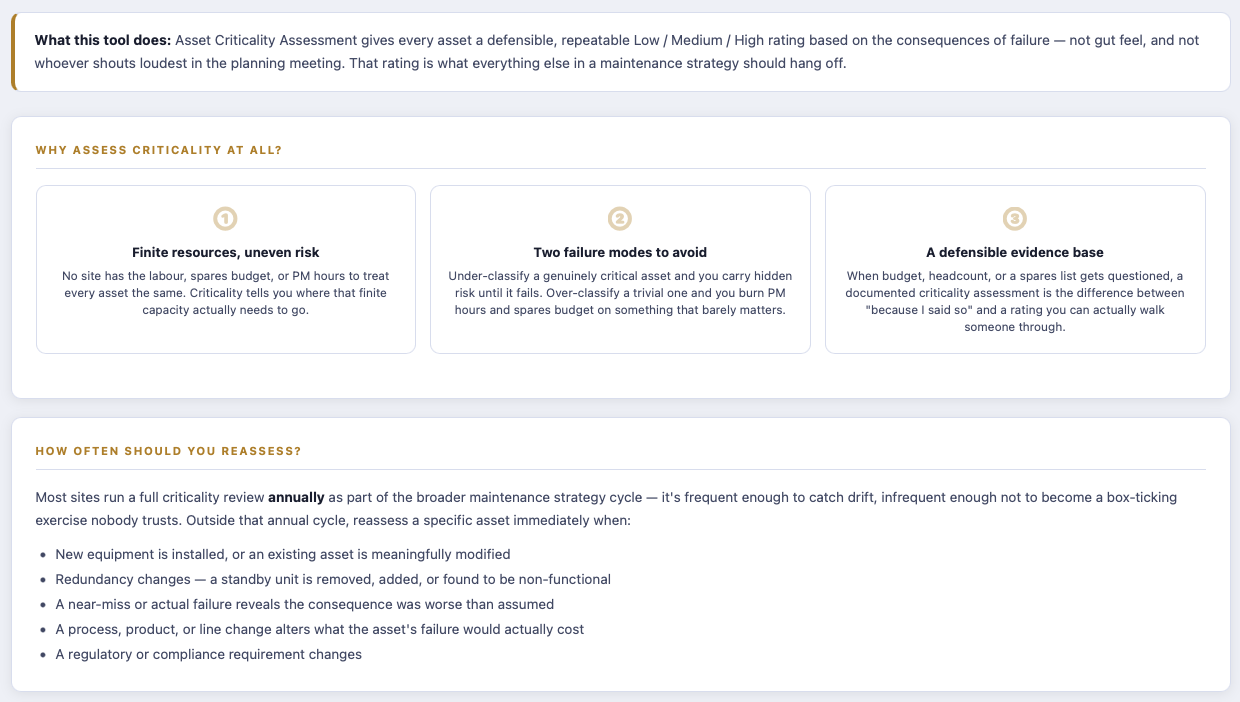
Every site has finite resources and uneven risk
No maintenance team has the labour, spares budget, or PM hours to treat every asset the same — criticality is what tells you where that finite capacity actually needs to go. Get it wrong in either direction and it costs you: under-classify a genuinely critical asset and you carry hidden risk until it fails; over-classify a trivial one and you quietly burn PM hours and spares budget on something that barely matters.
And when budget, headcount, or a spares list gets questioned by someone above you, a documented criticality assessment is the difference between “because I said so” and a rating you can actually walk someone through — consequence by consequence, criterion by criterion.
Most sites either never formally assess criticality at all (it lives in one experienced planner’s head, and leaves when they do), rate assets inconsistently depending on who’s doing the rating that week, or run a one-off spreadsheet exercise that’s never revisited once conditions change. None of that survives a question from an auditor, a new manager, or your own future self trying to remember why an asset was rated the way it was.
Where Pro actually earns its keep
On a smaller screen? Scroll sideways to see the Free and Pro columns.
| Free | Pro | |
| Single asset assessment, 7 weighted criteria | ✓ | ✓ |
| Plain-English explanation of every result | ✓ | ✓ |
| Bulk assessment — upload a spreadsheet of assets, get every result ranked at once | ✕ | ✓ |
| Ranked CSV export ready to load into your CMMS or asset register | ✕ | ✓ |
| Customisable criterion weightings to match your site’s risk profile | ✕ | ✓ |
| Dark mode | ✕ | ✓ |
| Priority support | ✕ | ✓ |
Built for the annual review, not just the one-off assessment
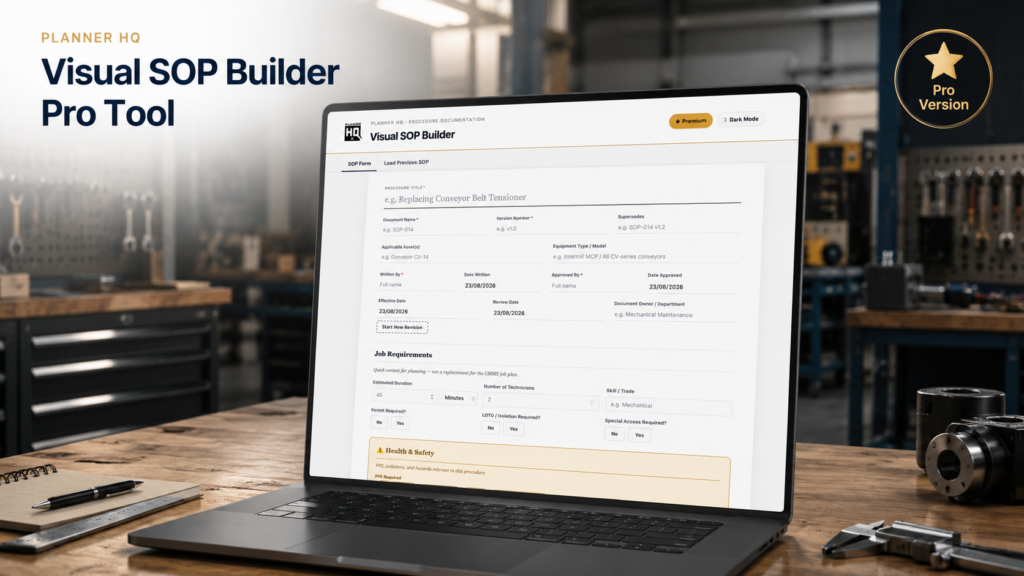
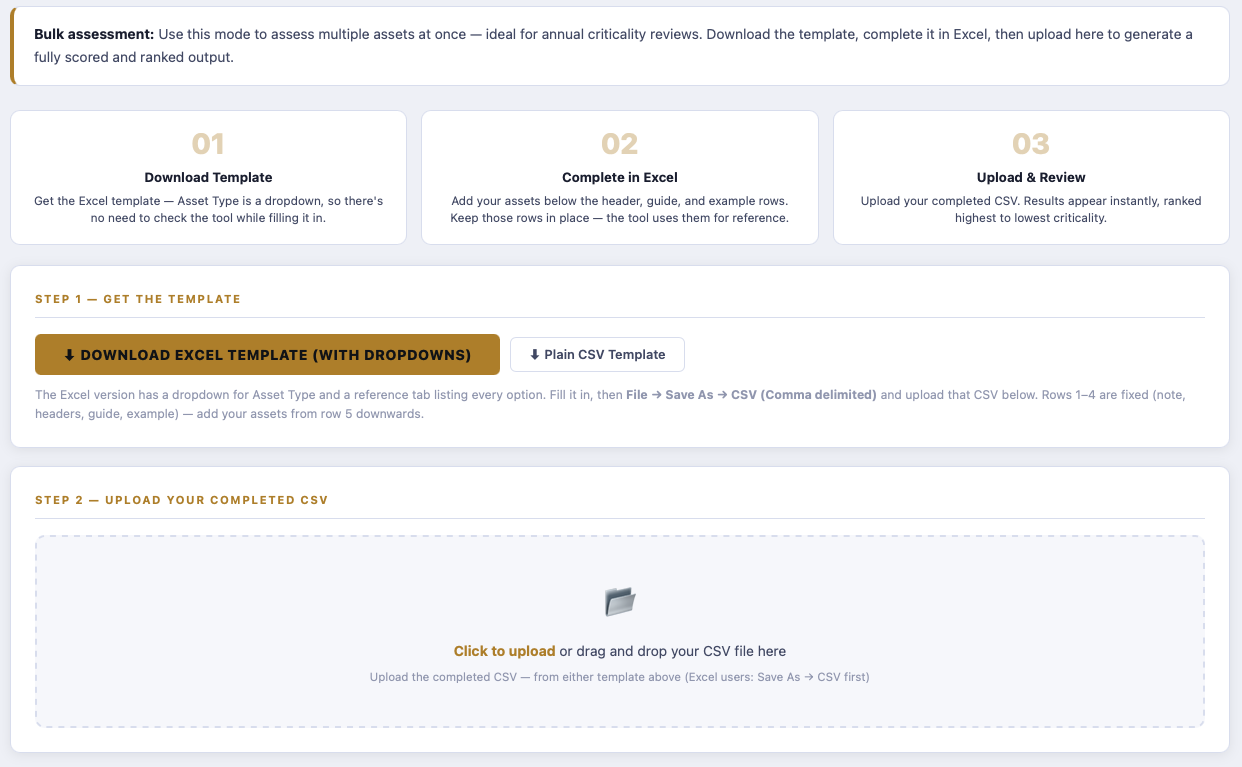
What it does: download a template, list your assets in Excel (Asset Type is a dropdown, so there’s nothing to look up), save as CSV, and upload it. Every asset is scored and ranked in one pass — built for the annual criticality review, not just a single asset at a time.
How it works: the same seven weighted criteria and validation rules apply to every row, so a hundred assets get scored exactly as consistently as one — no drift between whoever assessed row 4 and whoever assessed row 96.
What you get: a fully ranked output, highest to lowest criticality, ready to export straight back out as a CSV your CMMS or asset register can import — not a PDF you have to manually retype.
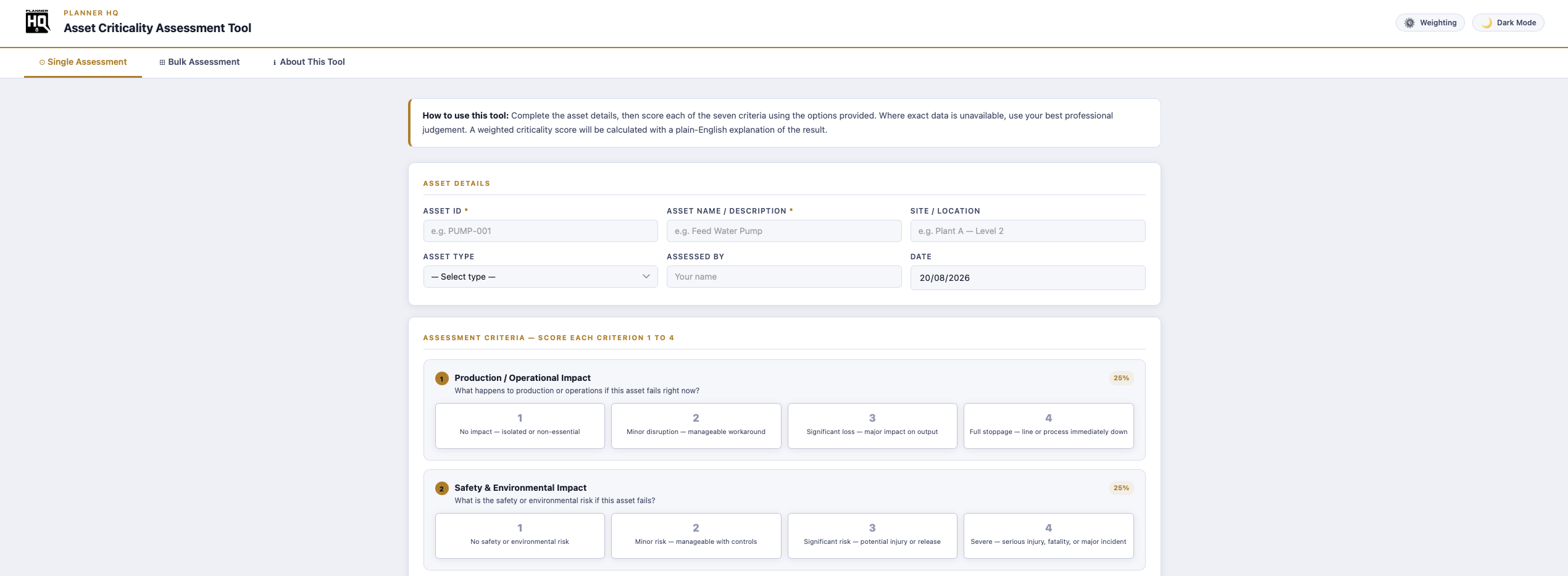
Safety & Environmental — 25%
Reliability History — 15%
Redundancy — 15%
Accessibility — 5%
Repair Complexity — 10%
Regulatory Dependency — 5%
What it does: the default weighting works well as a general starting point, but no two sites carry risk the same way. A process plant might weight Safety & Environmental far higher; a site with excellent redundancy might weight that criterion down. Pro lets you adjust every weighting to match how your operation actually works.
How it works: adjust the seven weightings directly in the tool — they’re built to keep summing correctly, so you’re never left trying to make the maths add up to 100% by hand.
What you get: a criticality rating that reflects your site’s actual risk profile, not a generic industry default — and a documented weighting model you can explain and defend, since it’s set deliberately rather than assumed.
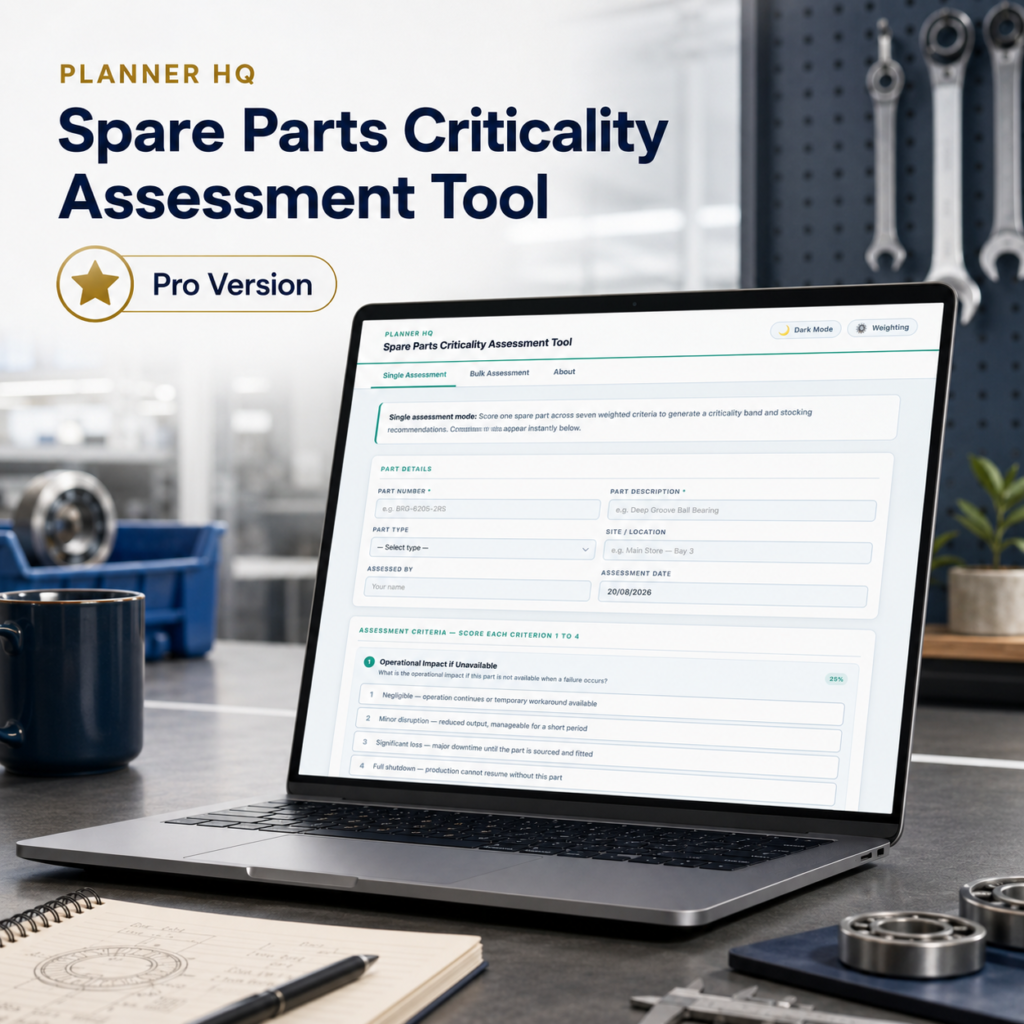
What it does: score each asset against seven criteria — Production Impact, Safety & Environmental, Reliability History, Redundancy, Accessibility, Repair Complexity, and Regulatory Dependency — using the plain-language options provided. Where exact data isn’t available, use your best professional judgement.
How it works: every criterion is weighted according to your model, and the result is calculated instantly — no manual scoring sheet, no spreadsheet formula to trust.
What you get: a Low / Medium / High rating with a plain-English explanation of exactly why — something you can hand to someone else and have them understand the result without you in the room.
| ✓ | Single Assessment and Bulk Assessment, in one tool |
| ✓ | Fully customisable criterion weighting |
| ✓ | Excel template with built-in dropdowns, plus a plain CSV option |
| ✓ | Ranked CSV export, ready for CMMS or asset register import |
| ✓ | Plain-English explanation with every result |
| ✓ | Light and dark mode |
| ✓ | Fully offline — works in any browser, no install, no login |
| ✓ | One-time purchase — no subscription, yours to keep |
Maintenance planners and reliability engineers running an annual criticality review across a full asset register, building the evidence base behind a spares strategy or PM programme, or simply needing a rating they can defend when budget, headcount, or a spares list gets questioned.